
ScrollShot: Full Page Screenshot
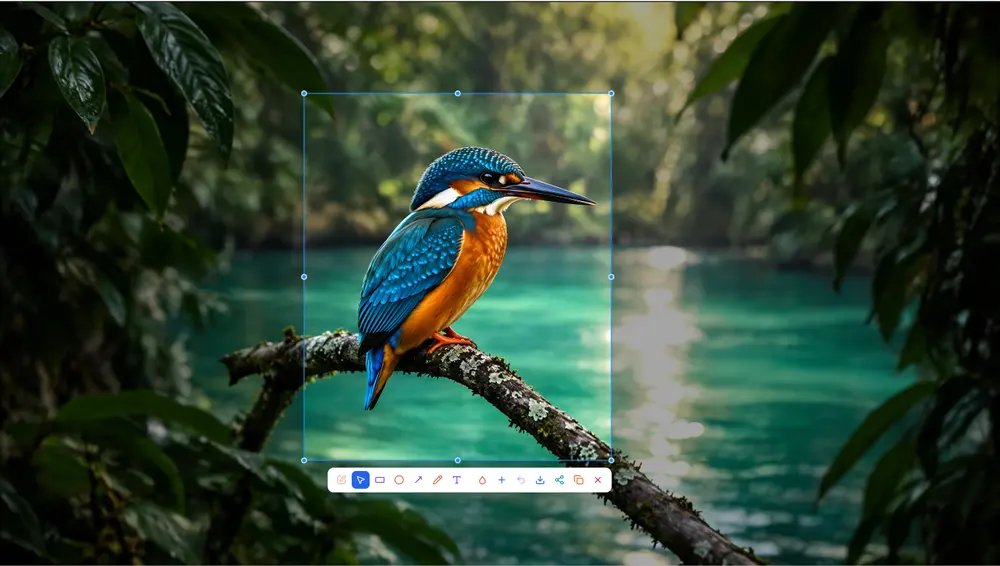
Capture full webpages, annotate screenshots, blur sensitive information, and create beautiful images with one powerful Chrome extension.
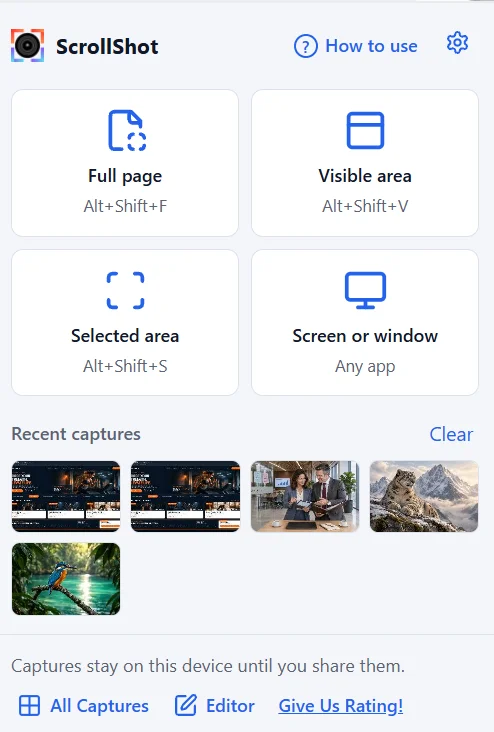
How it works
- 1InstallInstall ScrollShot from the Chrome Web Store.
- 2CaptureCapture any webpage or selected area.
- 3Edit & exportEdit, customize, save, and export your screenshot.
Ready to Capture More?
Make webpage screenshots easier with ScrollShot.